Understand
Two AI agents work from your policies, site photos and records. They answer with the source, then draft the observation, the toolbox talk or the report.
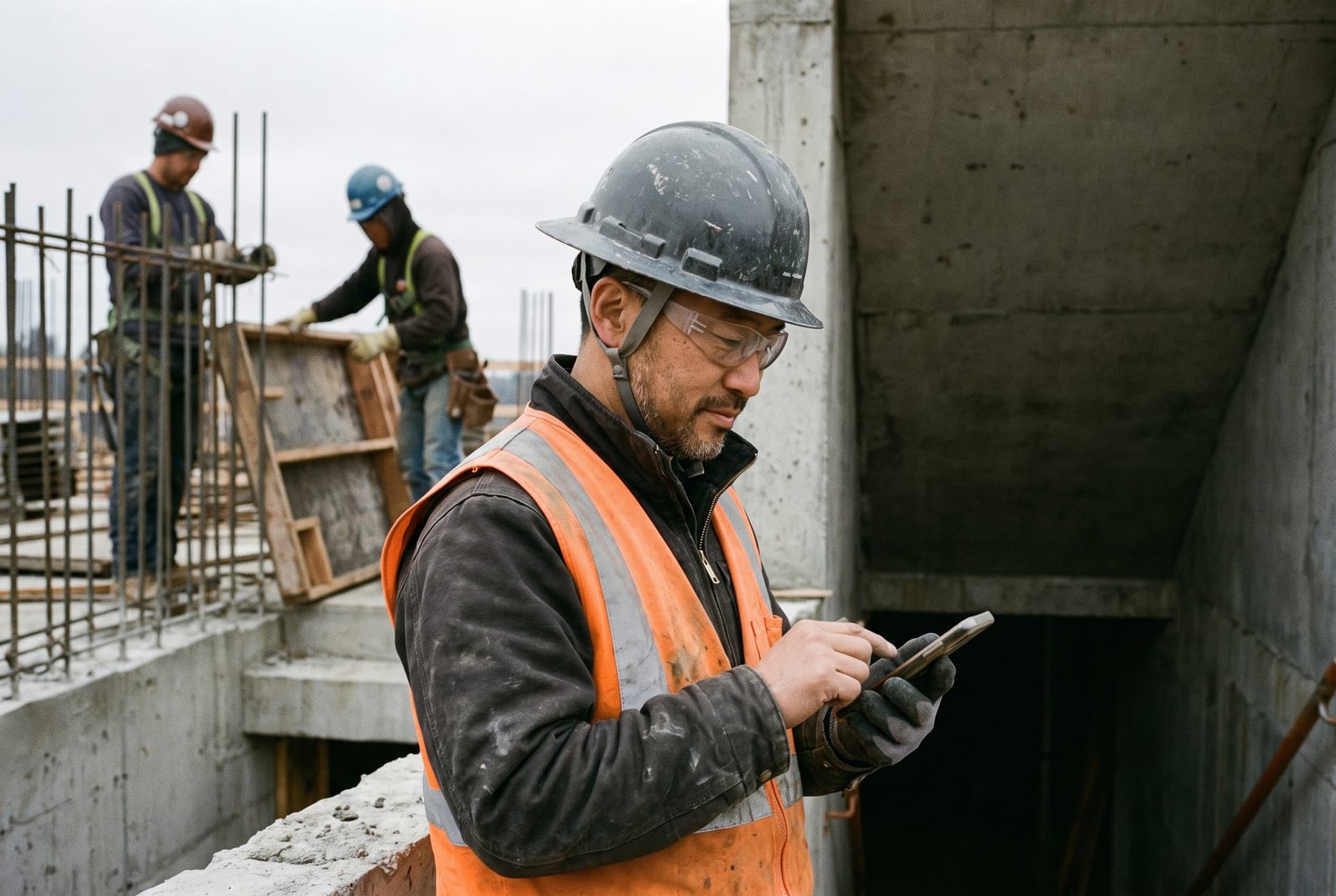
Your policies, one question away
How it works
One chat for policies, photos and records
- 01
Ask in plain words
About a policy, a site photo or your own records.
- 02
Check the source
Policy answers open the page they cite. Numbers come straight from your records.
- 03
Act in the same chat
Draft the observation, the toolbox talk or the report without starting over.
Ask how it works
Early accessAnswers about Stepo, inside Stepo
Ask how to close an incident or what a flag means, and the AI answers from Stepo's own guides, so new people learn by asking instead of waiting for training.
Safety Expert · answered from Stepo's guides
Photos
It reads more than text
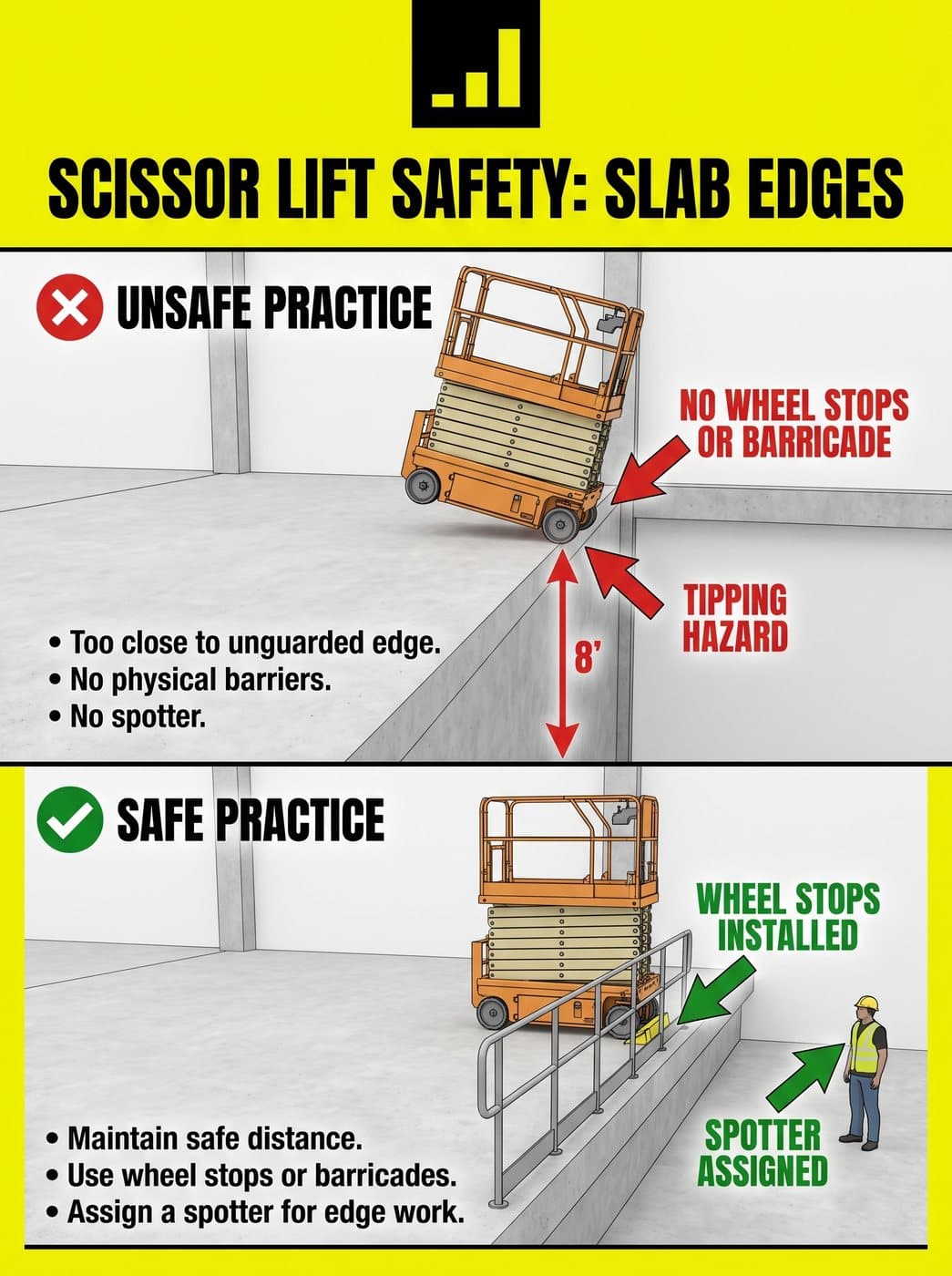
Drop in a site photo. The AI names each hazard, rates its risk and labels it on the photo. One tap turns a hazard into a draft observation or a toolbox talk, so nobody retypes what the photo shows.
See photo analysis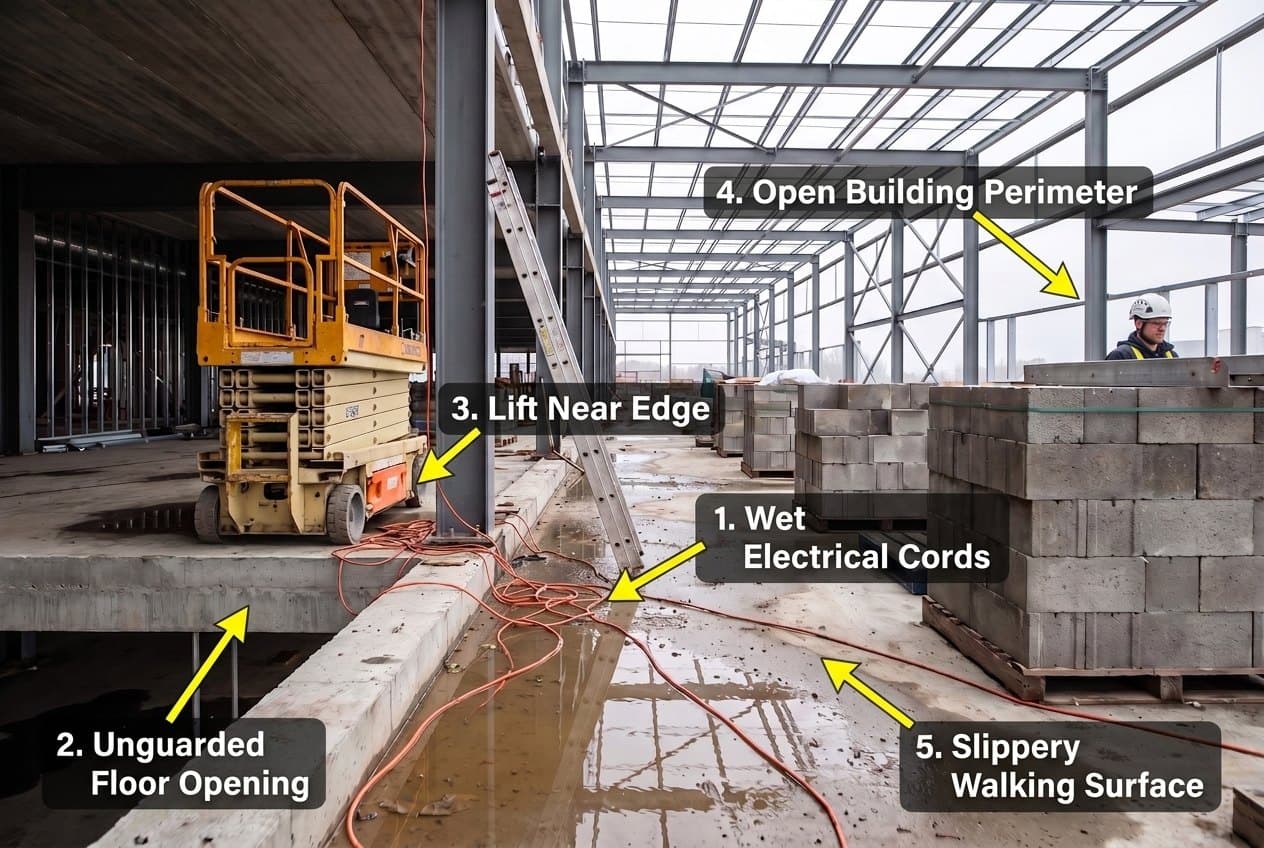
Documents
Reports and documents, drafted in chat
Ask for your standard inspection report, or a custom one as a PDF, Word file, spreadsheet or slides. Word files open in the built-in editor, so a quick edit replaces an hour of formatting.
Analytics agent · the standard report and custom files
Questions
Asked on every call
Can it see records my team should not?
How do we know an answer is right?
Ask about your own program
Send us one safety manual and one site photo. In 30 minutes we will ask the AI the questions your crews actually ask.