Platform
Past records arrive with their photos, your team comes in by spreadsheet, and custom integrations connect the systems you already run.
Integrations and imports · what comes in, and how
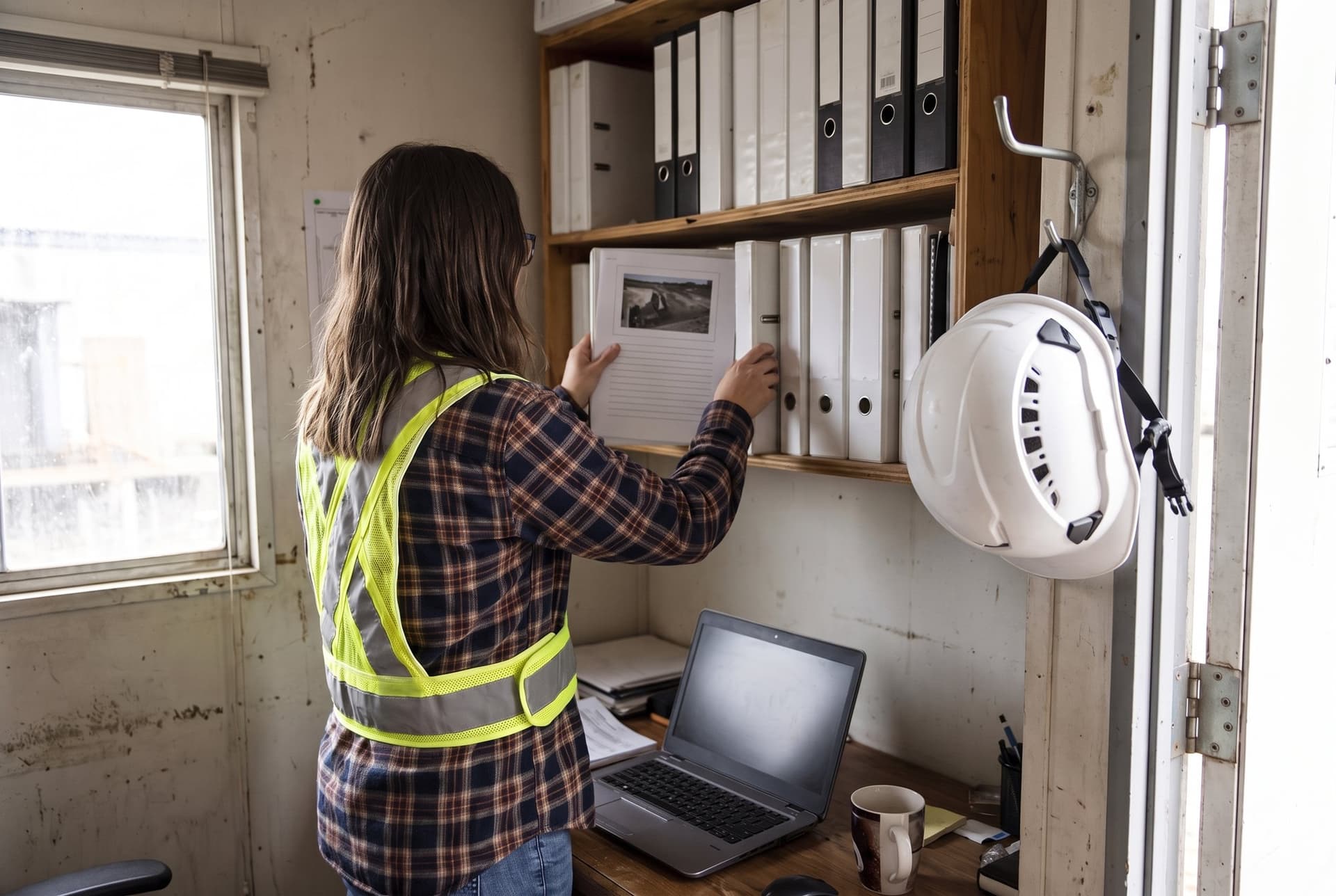
Retire the binders, keep the history
How it works
Set up once, with nothing retyped
- 01
Bring the history
Import past observations with their photos. Past insurance claims come in by spreadsheet, each linked to its incident. Early access
- 02
Bring the people
Add users by spreadsheet, then give each person the permissions their job needs.
- 03
Connect the rest
We build custom integrations with your team for the systems your company depends on.
Imports
History that counts from day one

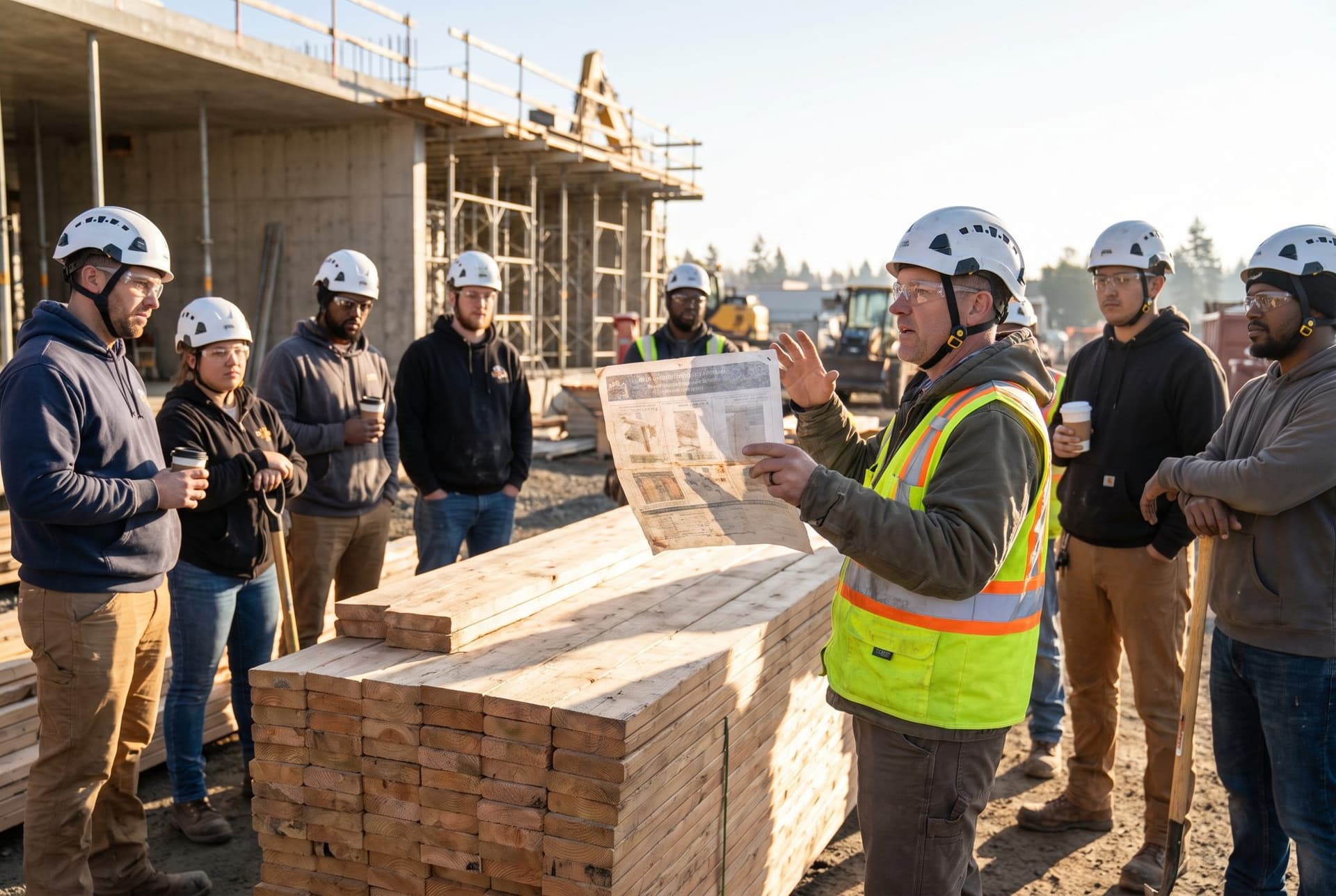

Import · past observations, photos included
Access
Granular permissions, by feature and by project
People · roles, project scope and end dates
Questions
Asked on every call
Do you support single sign-on?
What access do imported people start with?
Which systems do you connect to?
Bring your project list
In 30 minutes, we set up a project, import a few past records and set a subcontractor’s access.