Capture
Early accessPermits, quality checks, closeouts, daily reports. Import the form you already use, fill it by voice or photo and catch what is missing while the crew is still there.

A pre-pour check finished with no signal, saved on the device and waiting to send
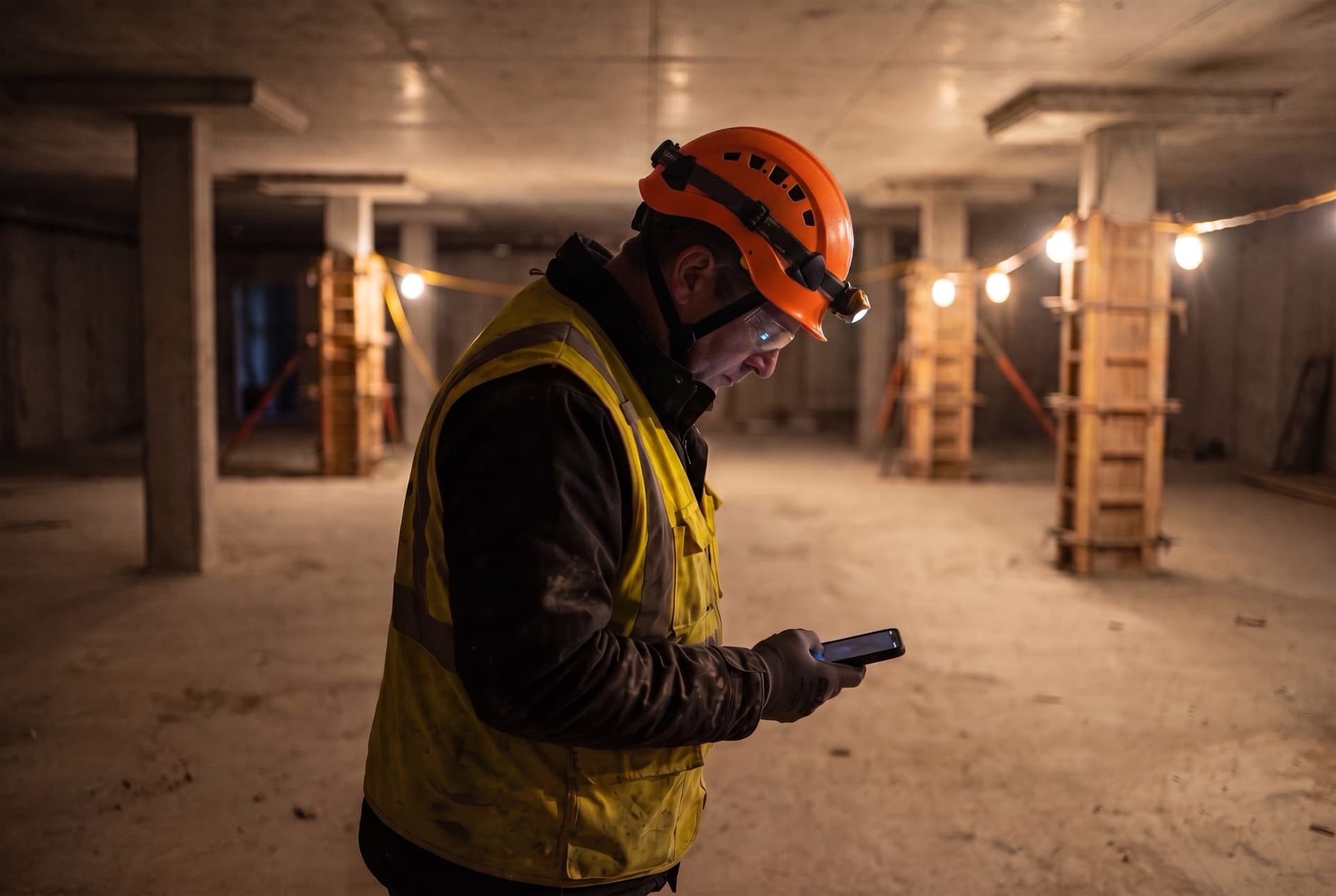
Keep filling forms when the signal drops
How it works
The paper form, filled where the work is
- 01
Build it from what you have
Upload the PDF you use today, or describe the form. AI drafts the template for you to review and publish.
- 02
Fill it, then review it
Describe the work by voice or text and add photos. Review the answers AI proposes before confirming.
- 03
Route it for sign-off
Send it to the reviewers and signers you choose. The record is sealed when it is sent and exports as a PDF.
Voice fill
Talk it through, confirm each answer
Voice fill · three answers updated, one left blank
Templates
Start from the form your crews already know
New template · your PDF or a sentence, and the template AI proposes
Offline
Saved on the device, sent on reconnect
Offline state · saved on this device, waiting to send
Questions
Asked on every call
Can a subcontractor without an account fill one?
Can we start from last week’s form?
Can AI check the photos too?
Send us a form you use today
In a 30-minute walkthrough, we will import your PDF, review proposed answers and show how records are sealed.