Understand
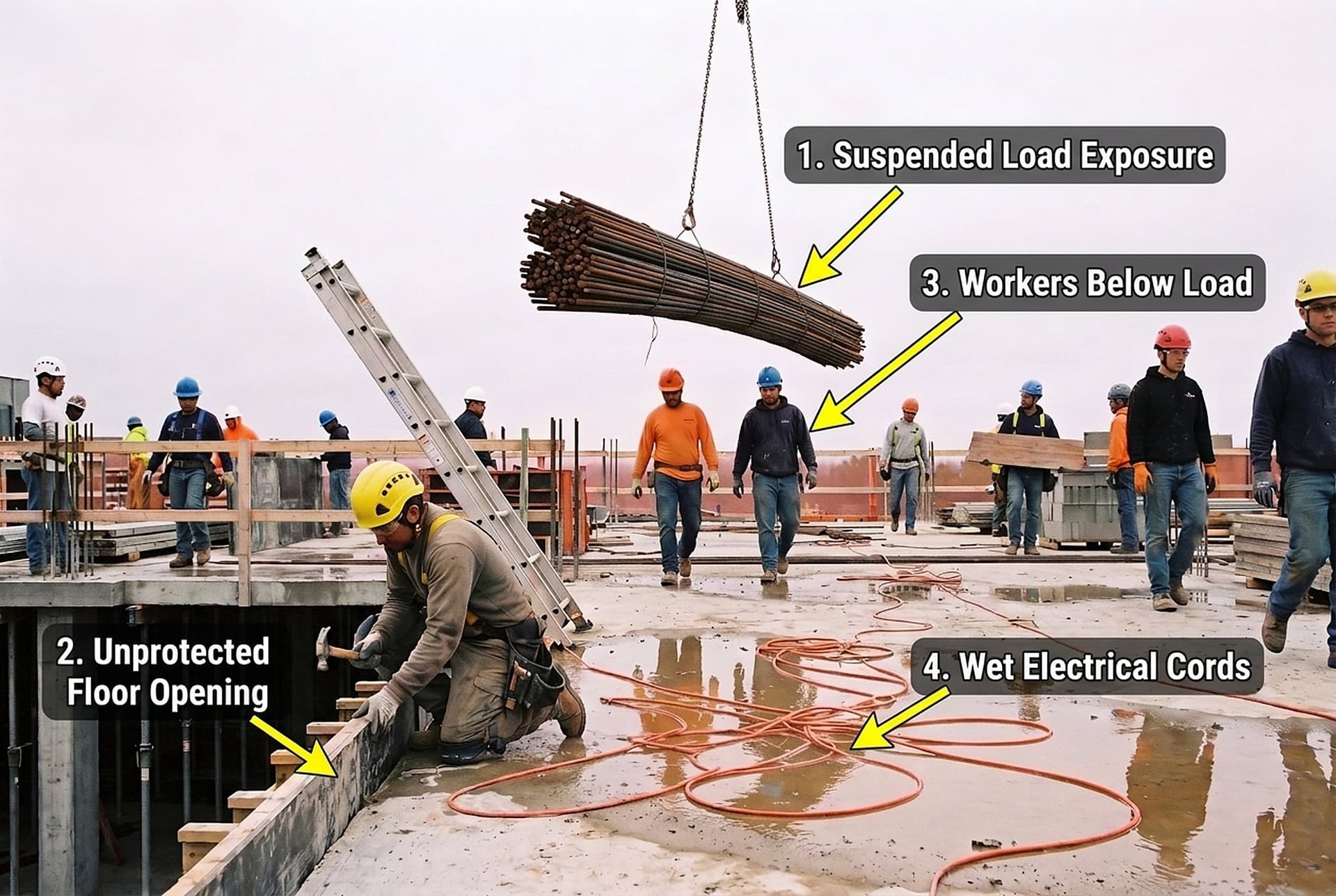
Drop a site photo into chat. The AI names each hazard, rates its risk and labels it on the photo, then drafts the observation or the toolbox talk.
A second pair of eyes on any site photo
How it works
From photo to action in one chat
- 01
Drop in a photo
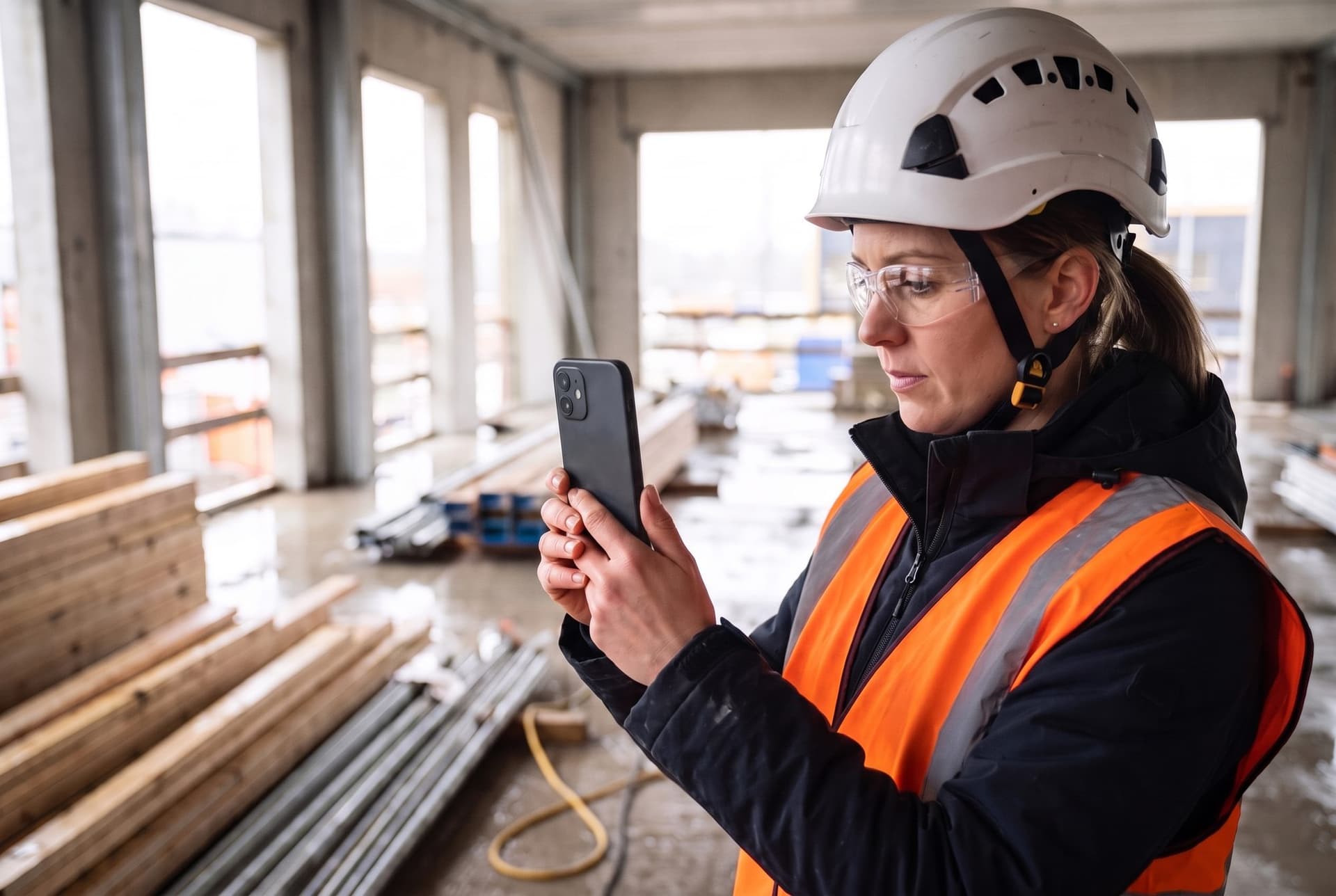
Add a photo from the walk and ask what could hurt someone.
- 02
Hazards named, rated, labeled
Each hazard gets a name, a risk rating and a numbered arrow on the photo.
- 03
Turn it into work
Draft an observation or a toolbox talk poster, for every hazard or the ones you pick.
Toolbox talks
From a labeled photo to a crew poster
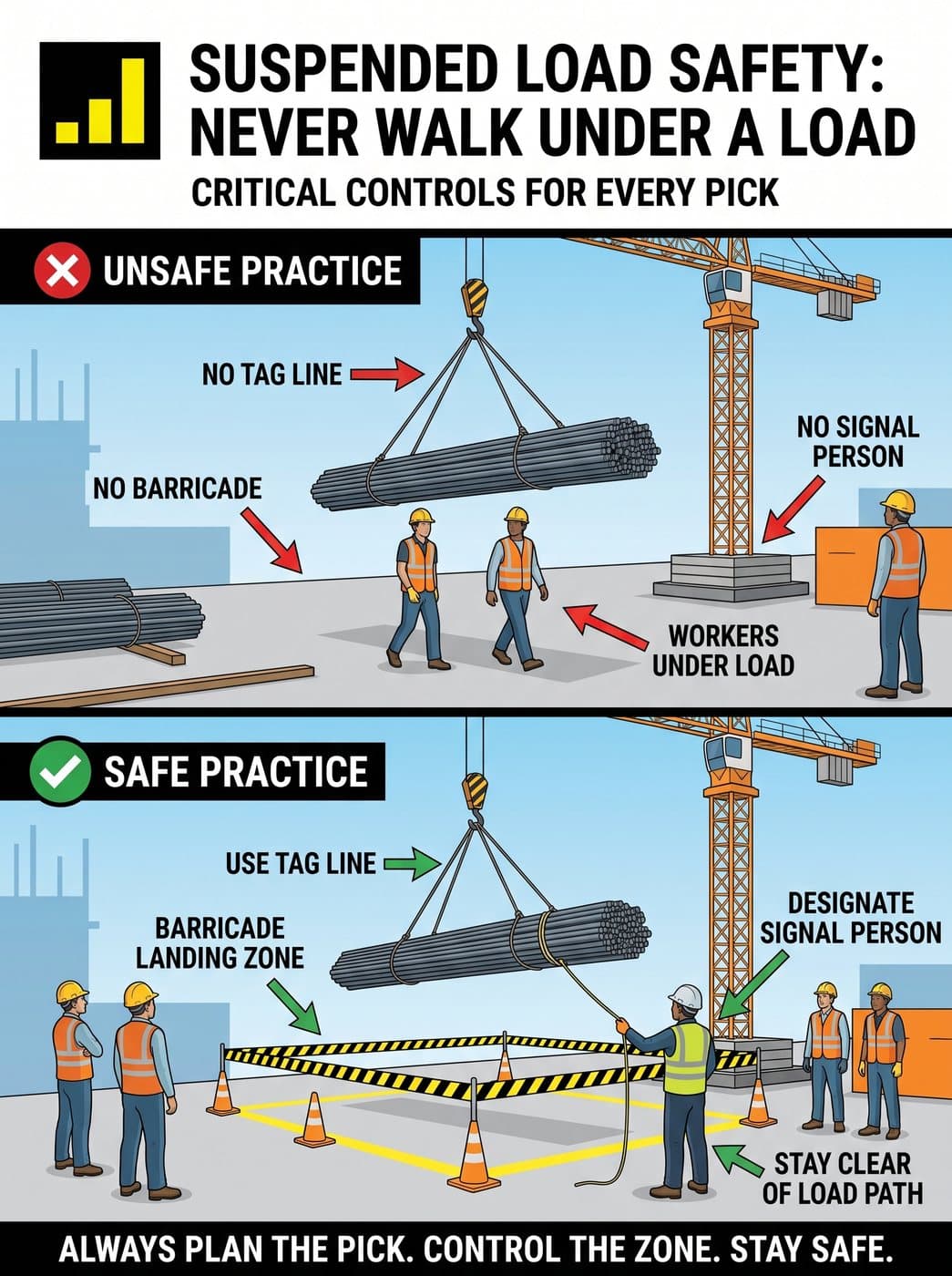
Toolbox talk poster · from hazard 1, the suspended load
Observations
From photo to draft observation
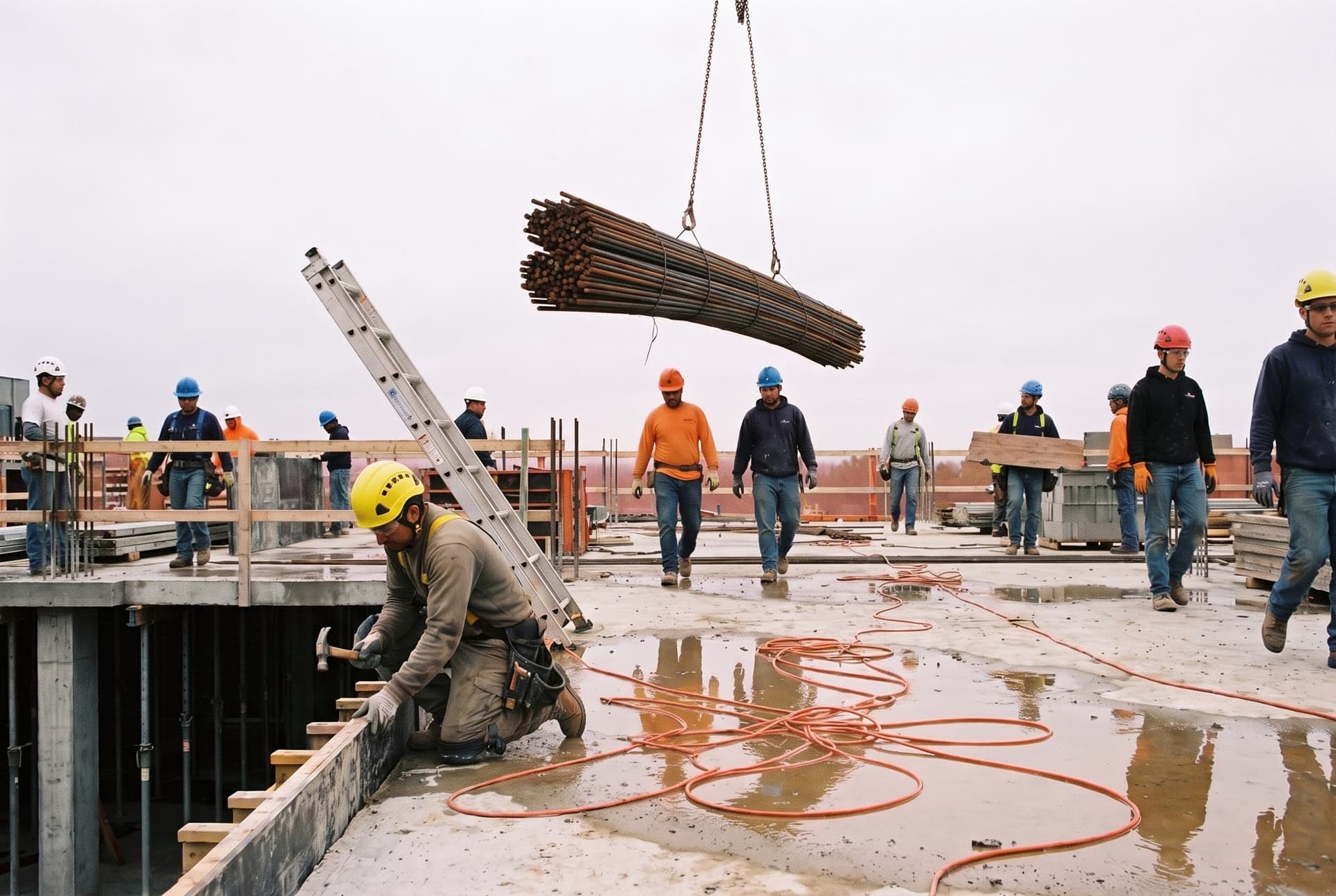
Safety chat · hazard 1 becomes a draft observation
Outcomes
What changes
More hazards caught
Any photo from the walk can get a second look, even one nobody had time to write up.
Less time on paperwork
A hazard becomes a draft observation with the labeled photo attached. Nobody retypes it.
Talks about your site
The talk starts from hazards on your own photo, not a generic topic.
Help for newer supervisors
Each hazard comes with suggested fixes and the standards to check.
Questions
Asked on every call
Does it replace our safety walks?
Is the observation filed automatically?
What if it gets a hazard wrong?
Bring a photo from your last walk
In 30 minutes we analyze it together and turn one hazard into a draft observation.