Understand
Early accessStart from a product name, a spreadsheet, a few PDFs or a photo of the shelf. Stepo finds each sheet and reads it for you.
SDS library · Early access
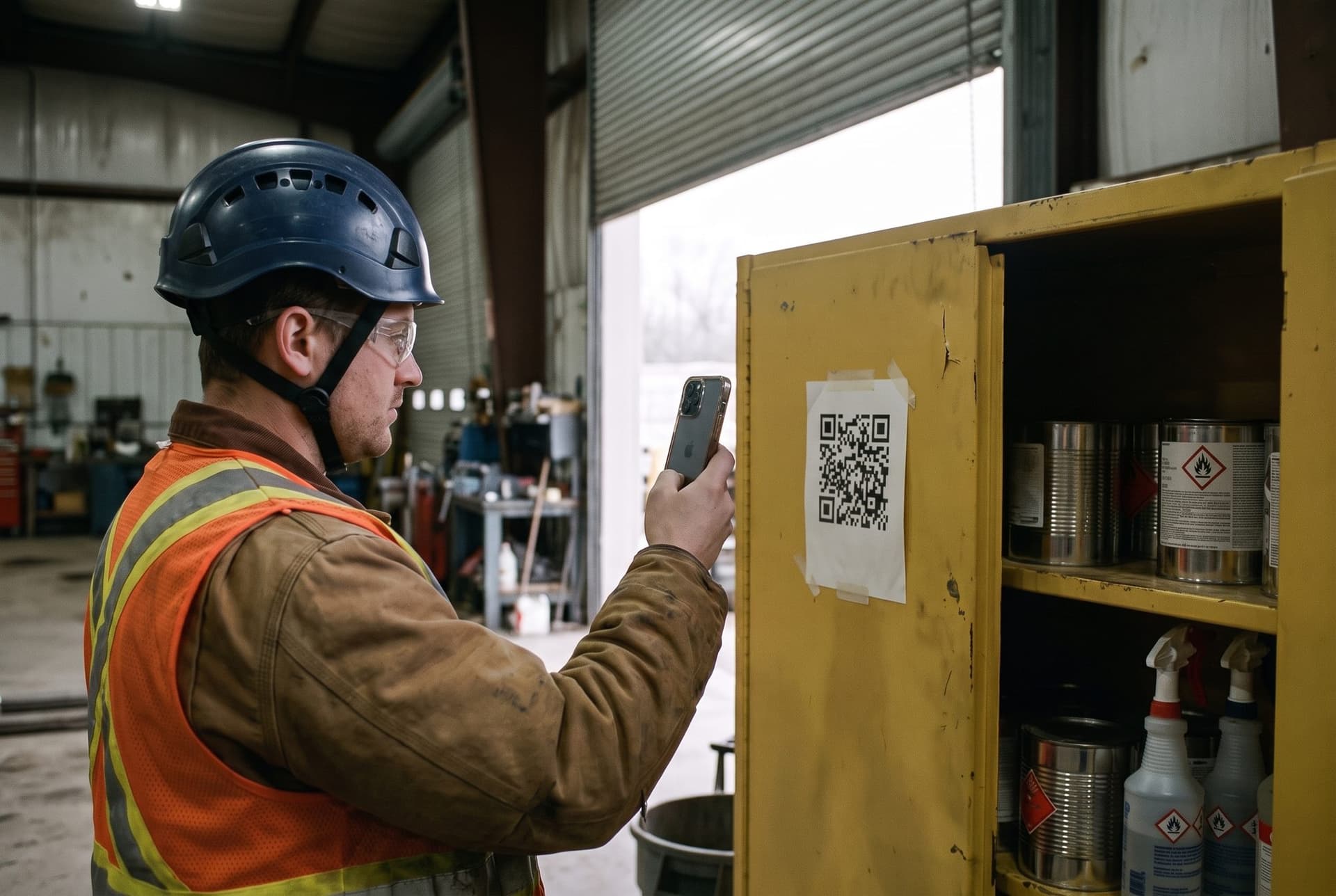
The binder is in the office. The chemical is on the floor
How it works
From the shelf to the cabinet door
- 01
Start with a name, a list or a photo
No PDFs needed. From a product name, a spreadsheet row or a label photo, Stepo finds the sheet.
- 02
Reviewed before your team sees it
A second AI pass re-reads every page and a Stepo reviewer approves it. Your manager’s sign-off is recorded for audits.
- 03
Put it where the chemical is
Assign a material once, to a site or a whole group. Every binder fills itself, including sites you add later.
Answers
Ask about any chemical, get the answer from its sheet
The sheet and your own standard, reconciled in one answer
Right to know
A code on the cabinet, public or private

A sample poster. Scan it and you land on stepo.ai
Labels
Label every container from its own sheet


Built from the standard printed on the sheet
Questions
Asked on every call
What does early access mean here?
What if a sheet is missing from the binder?
What happens when a manufacturer publishes a new revision?
Send us your chemical list
A spreadsheet, a few product names or a photo of the shelf is enough. We will walk through a site binder and print a label with you.