Act
Inspection and observation reports built from records your team already confirmed, with their photos.
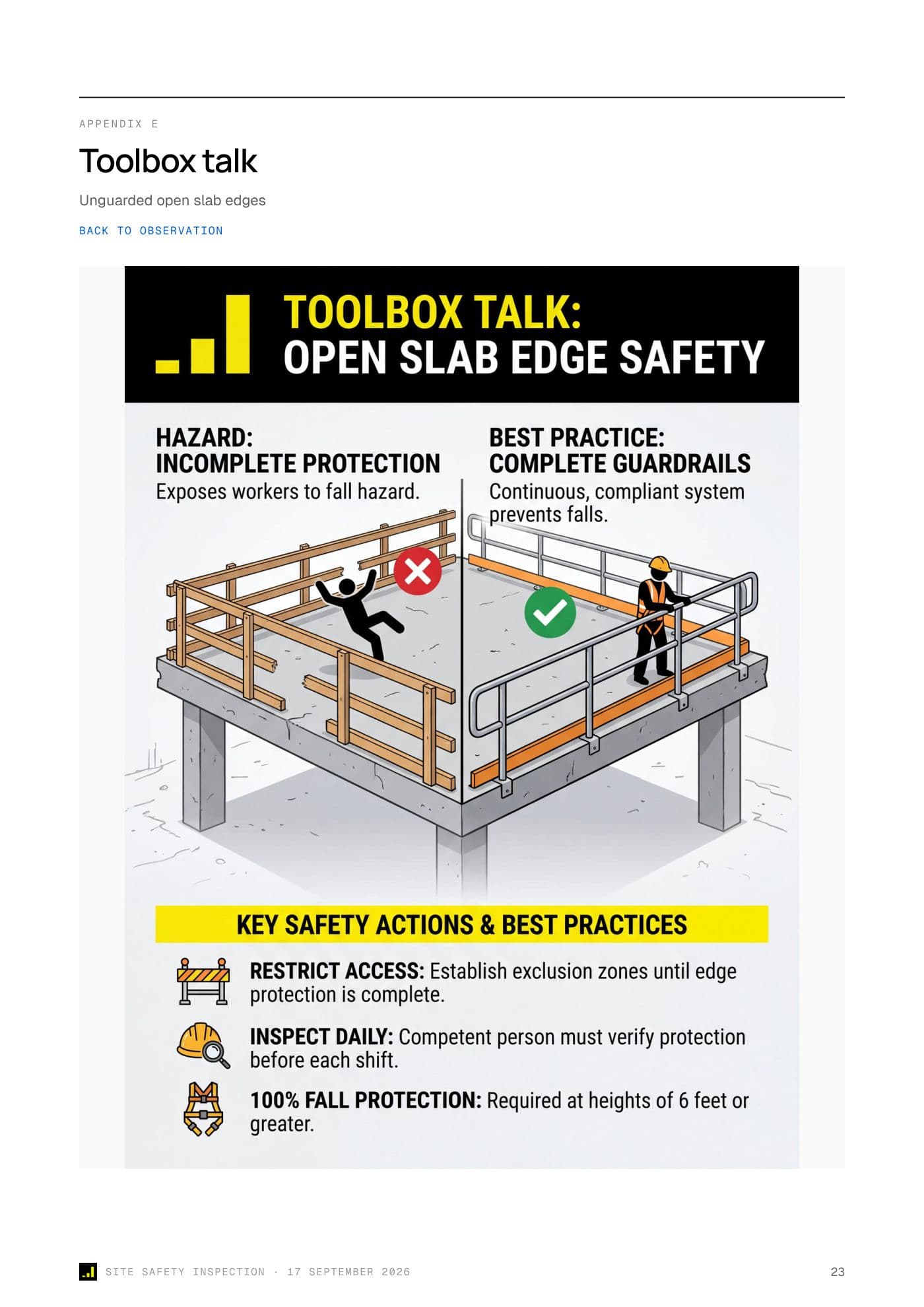
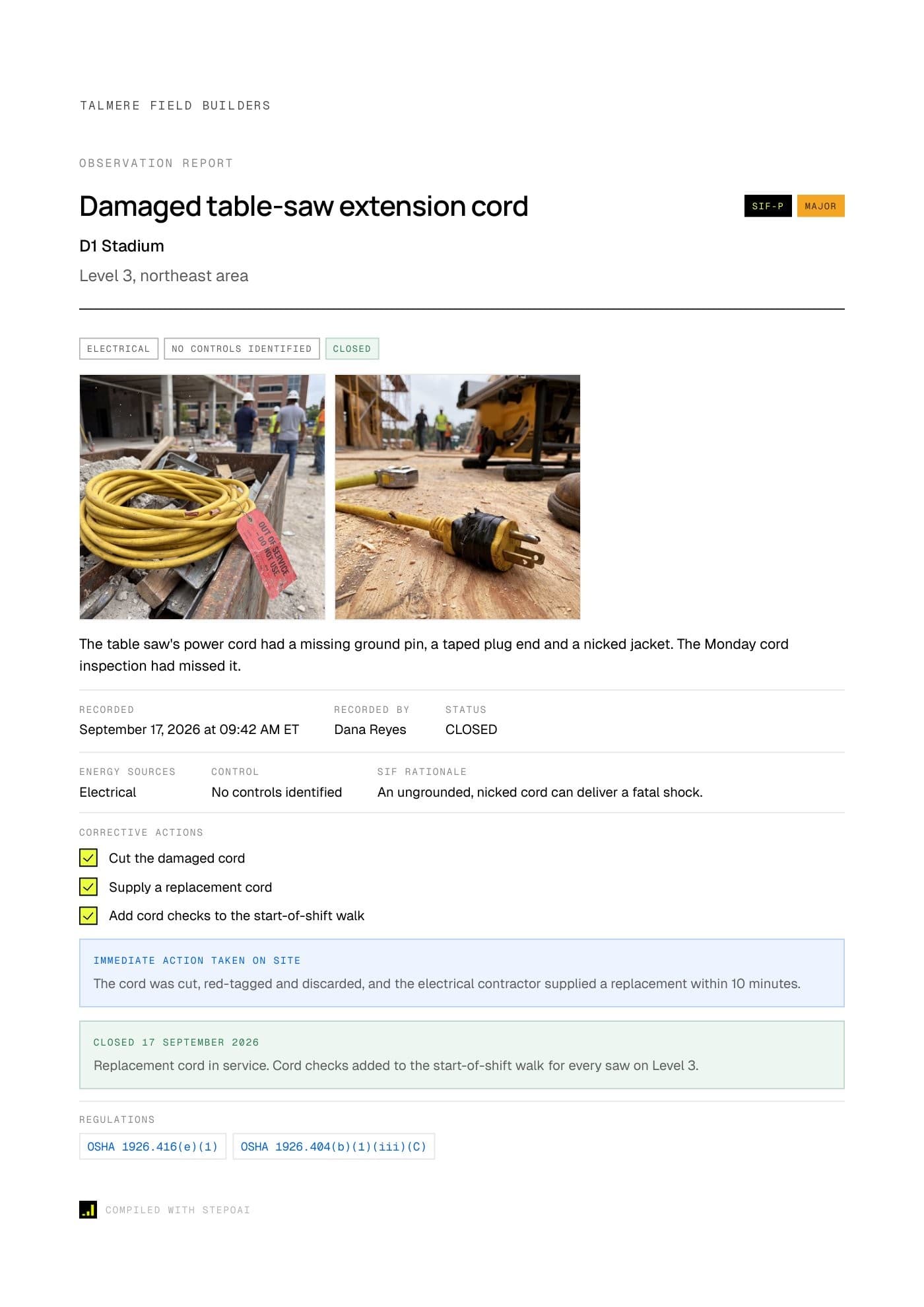
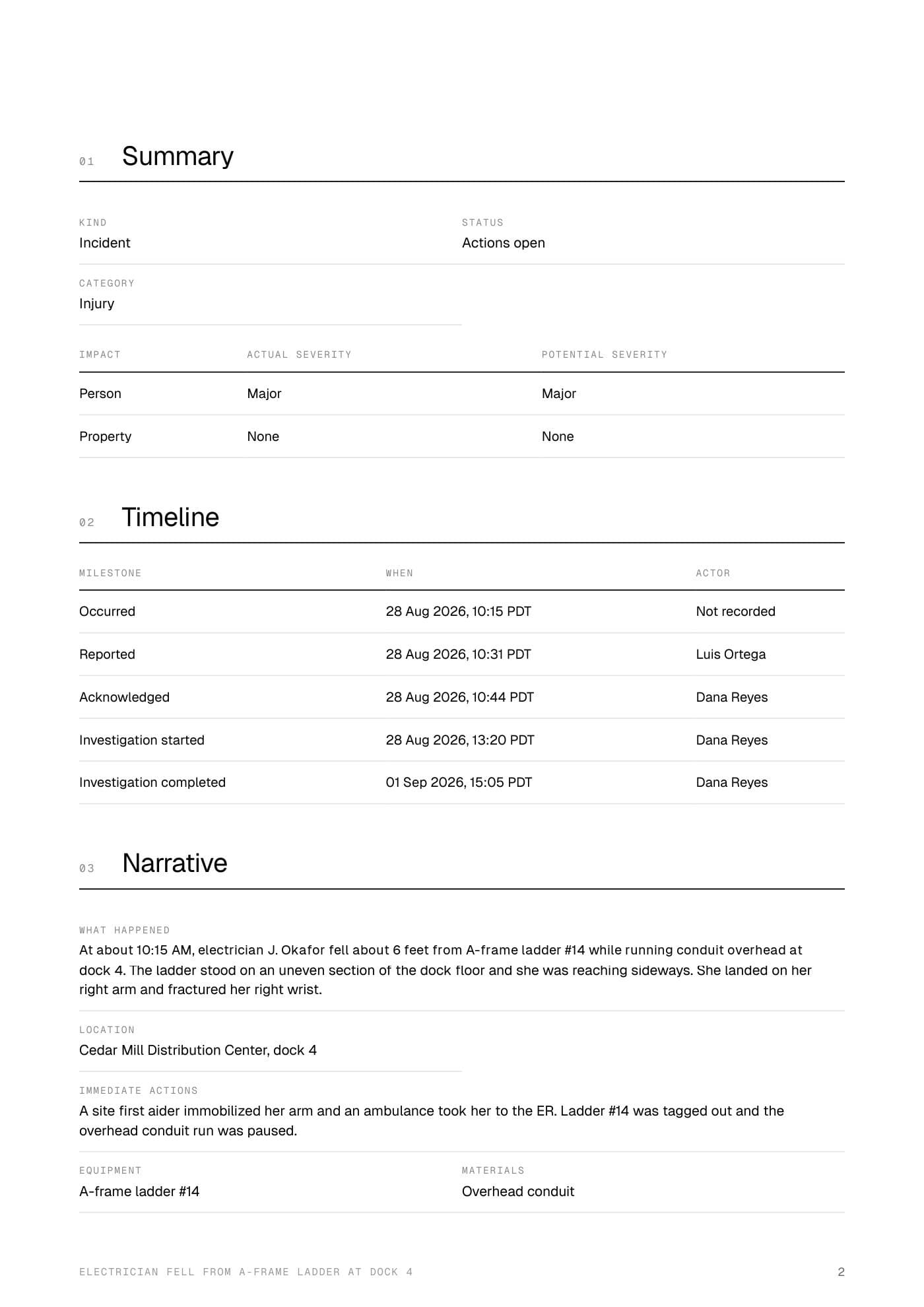
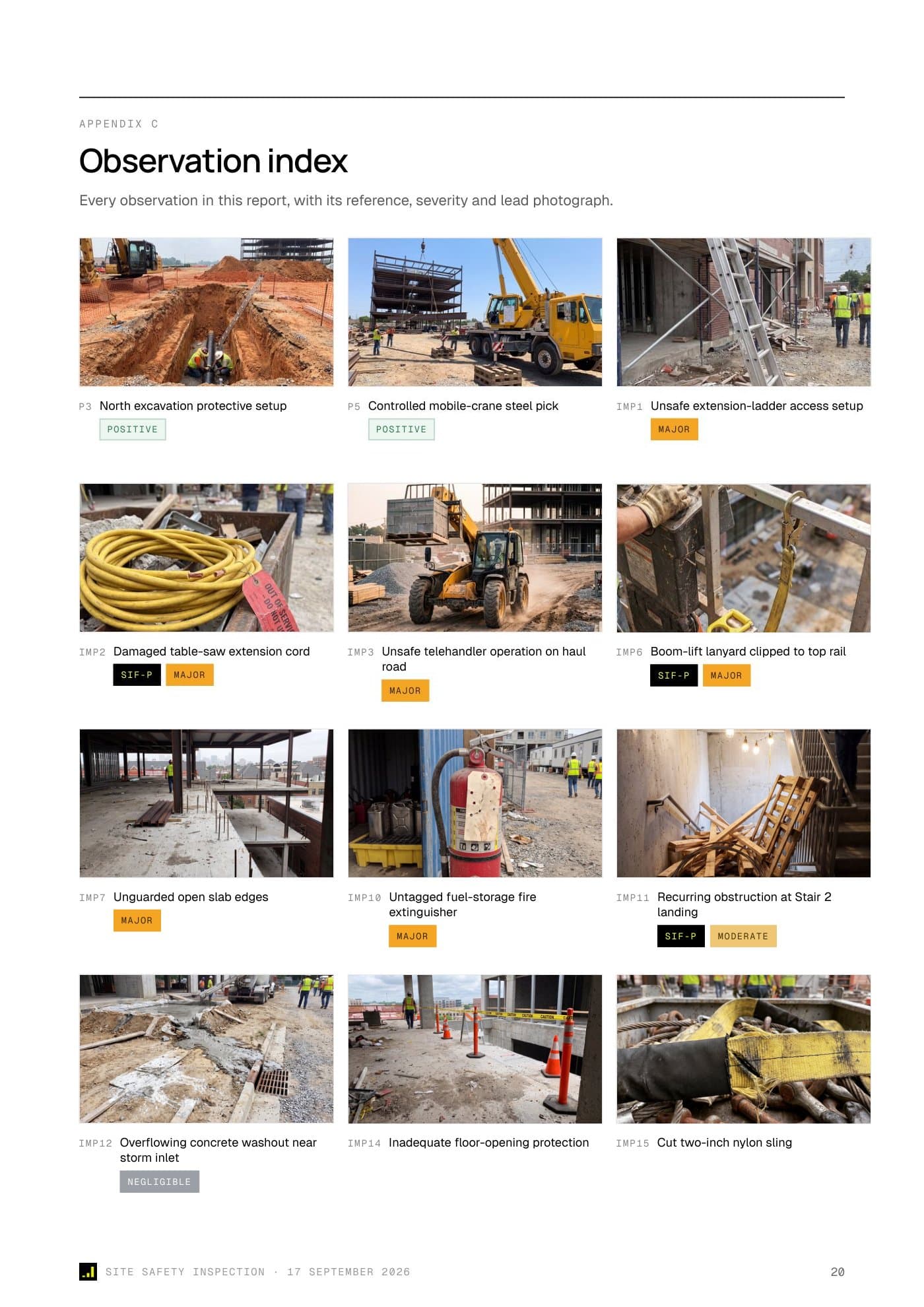
Page 1 of 4: Inspection report, Findings indexed with their lead photos
Report pages as Stepo prints them
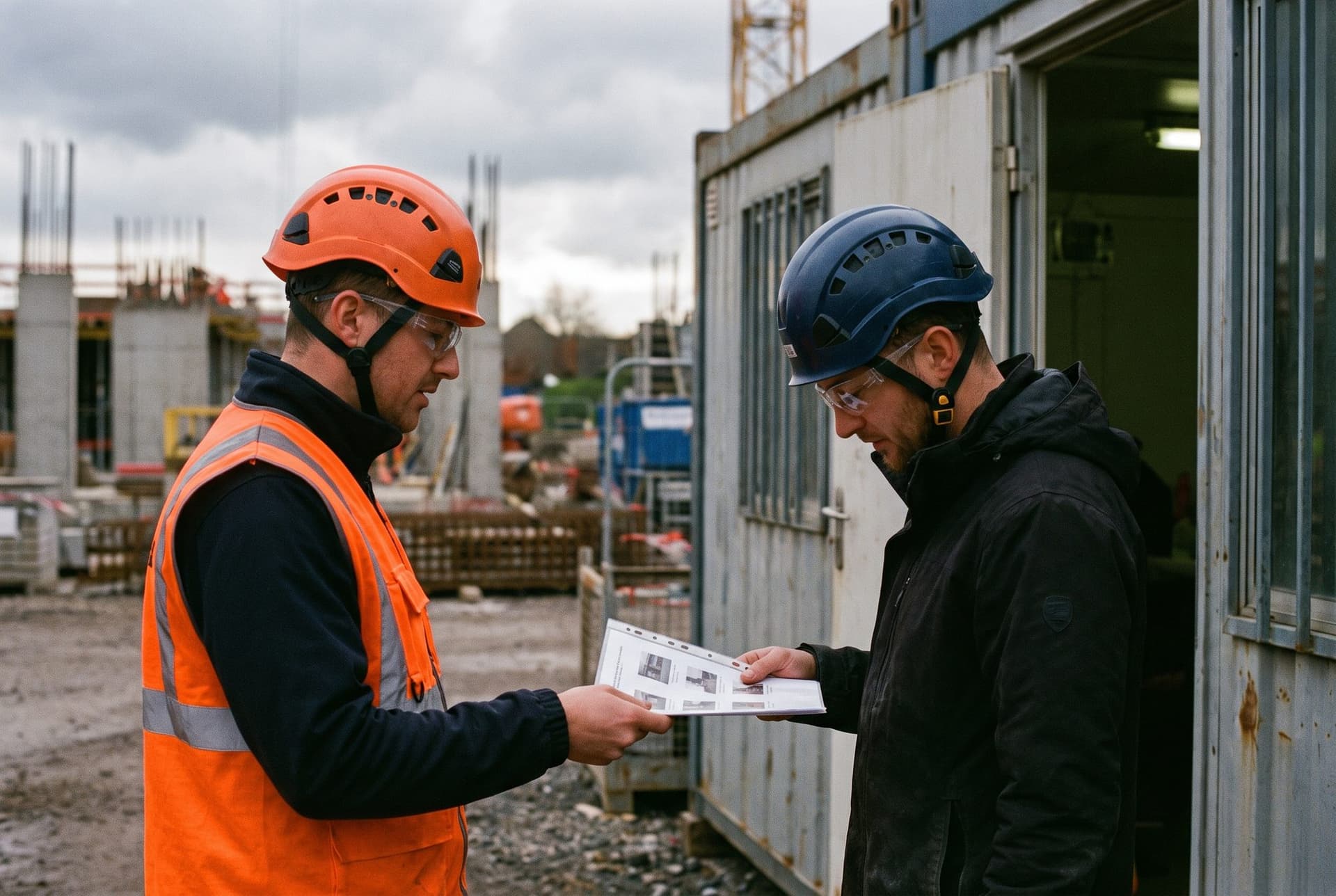
The finding, the fix and the photos in one document
How it works
From confirmed records to a presentable PDF
- 01
Pick the records
Start from one inspection, a set of observations or an incident. Early access Your organization chooses the sections inspection reports carry.
- 02
AI drafts the summary
For inspections, AI drafts the summary and recommendations, with the photos, energy exposure, site conditions and the change since the last visit.
- 03
Approve and send
The author approves the inspection report. People with access download the PDF and send it on. Incident reports stay internal.
Between visits
The executive summary keeps score
Executive summary · this visit against the last
Findings
Findings with their photos and checked citations
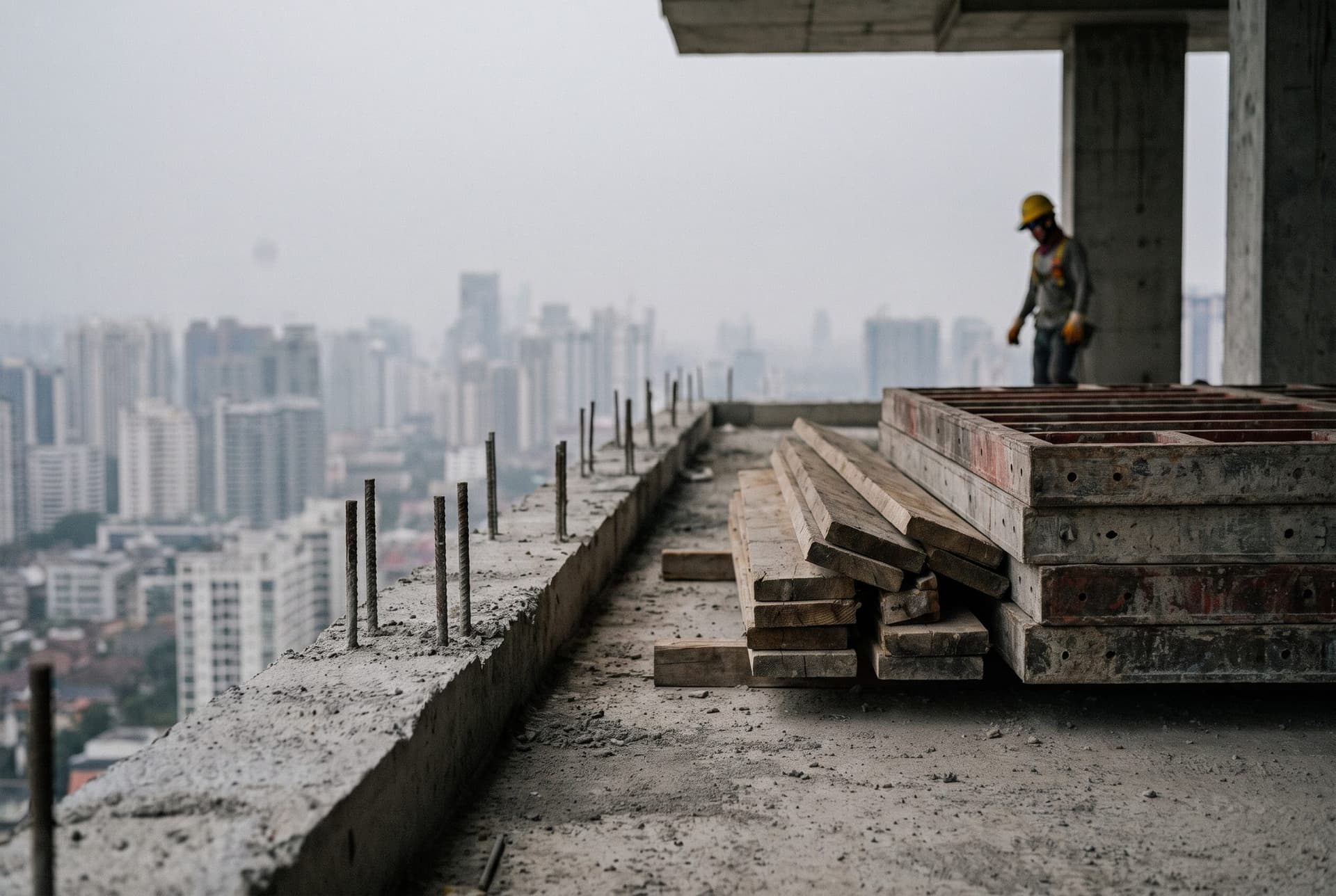
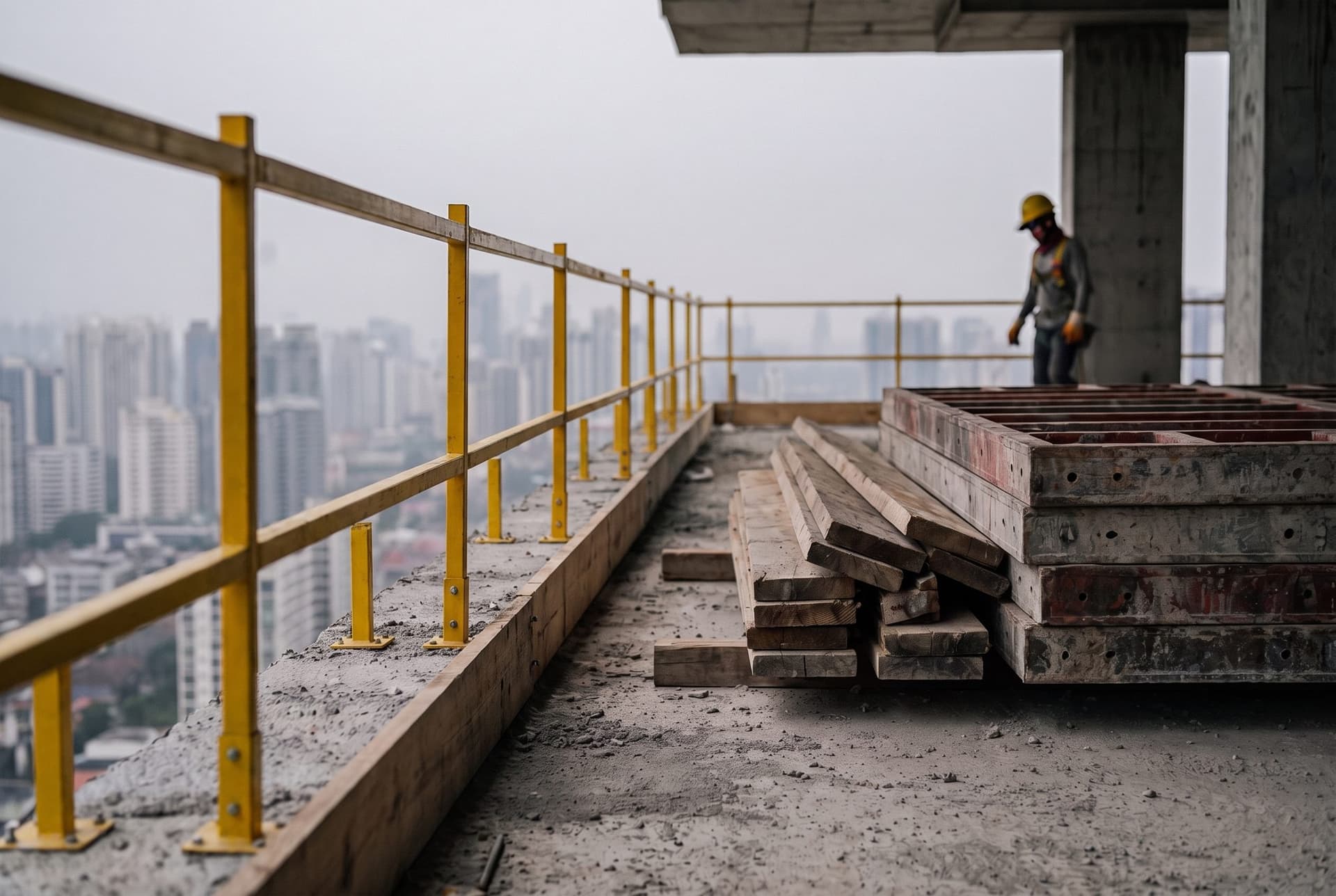
One finding as it prints, with its photos and how it closed
Enriched
More than the findings you wrote down
Site conditions and energy exposure, added to the inspection report
Questions
Asked on every call
Who writes the summary and the recommendations?
Which records become a report?
Can we produce other documents?
Send us a report you wrote by hand
In a 30-minute walkthrough, AI drafts an inspection report from your own findings, ready for you to edit and approve.